dmXLAN amstel.jpg

Software

Our software gives you powerful yet intuitive control of your lighting network, offering remote setup, monitoring, and flexible data routing, all designed to streamline workflows and keep complex systems running smoothly.

dmXLAN v4

dmXLAN v4

dmXLAN v4 is our software platform for configuring and monitoring your entire dmXLAN network. It lets you set up nodes and switches, test and control fixtures, manage RDM devices, and organise your rig in a clear 2D plan view. You can prepare settings offline and use mobile tools like dmXLAN QR and Fixture Tester to speed up addressing and fixture testing on site.
dmXLAN QR

dmXLAN QR

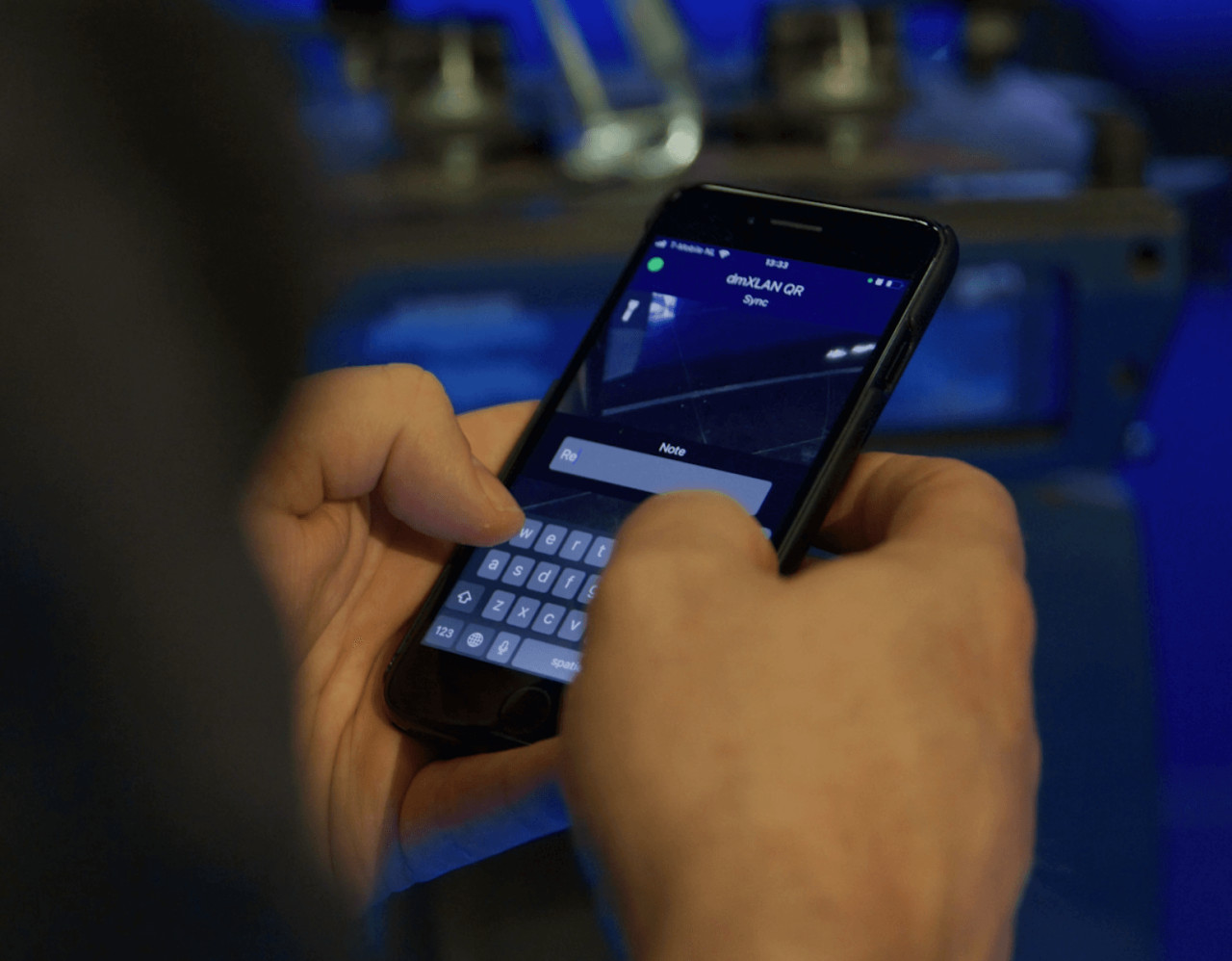
Experience a faster, smarter way to address your fixtures with the mobile dmXLAN QR app for iOS and Android. Designed to streamline even the most complex setups, dmXLAN QR lets you effortlessly link physical fixtures to fixture numbers in your dmXLAN file, automatically applying the correct addressing.

dmXLAN F!X

dmXLAN F!X

The dmXLAN F!X app transforms fixture management into a powerful, reliable and maintenance‑friendly workflow. Every note added in dmXLAN or dmXLAN QR is automatically logged with a timestamp, user and RDM UID, giving rental companies and technicians instant access to valuable error logs and complete maintenance history.

Whether used standalone or connected across multiple workstations, dmXLAN F!X keeps all fixture information synchronized and easy to share.

Export, import and centralize logs with ease and keep your entire production team aligned from warehouse to on‑site operations.

dmXLAN Fixture Library Editor

dmXLAN Fixture Library Editor

Fixture Library Editor provides a nice interface to add you own fixtures to the Fixture Library.

dmXLAN Firmware Updater

dmXLAN Firmware Updater

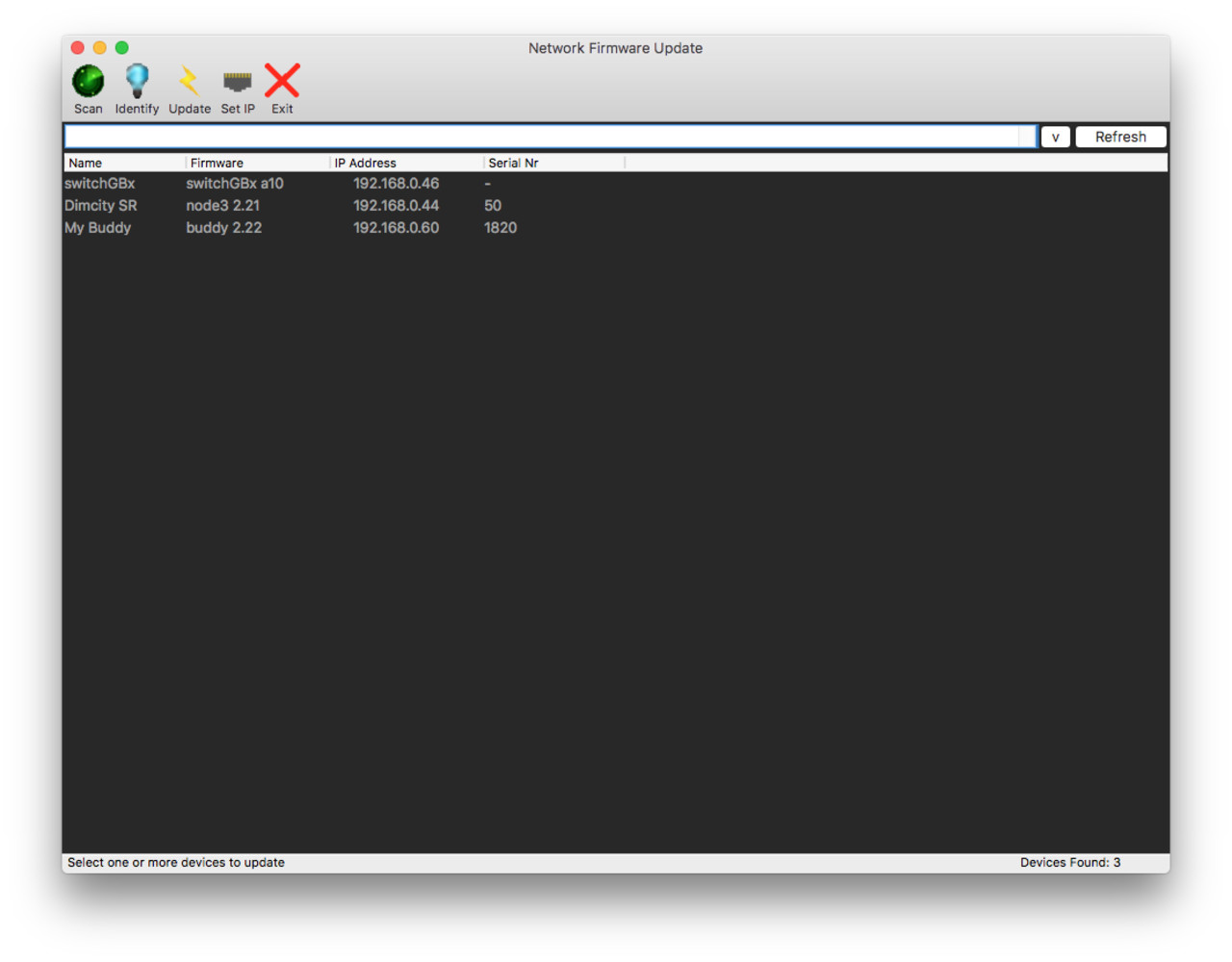
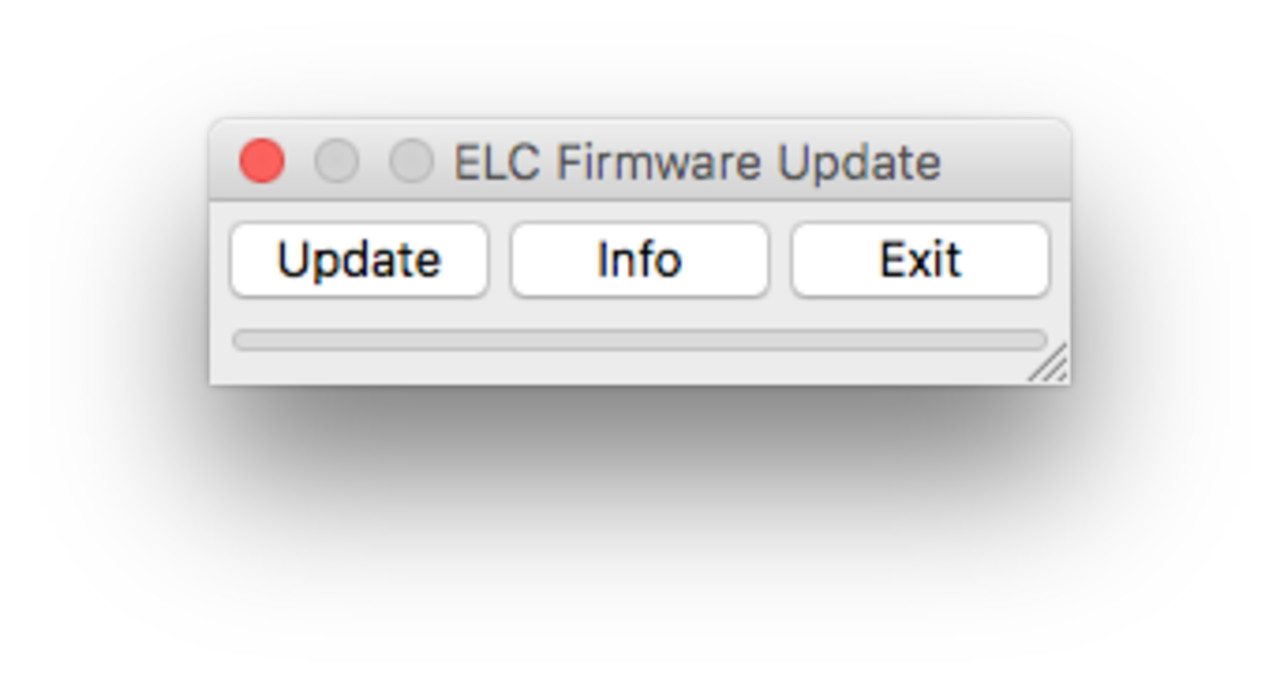
dmXLAN Firmware Updater can be used to update the firmware of all dmXLAN devices.

Buddy Setup

Buddy Setup

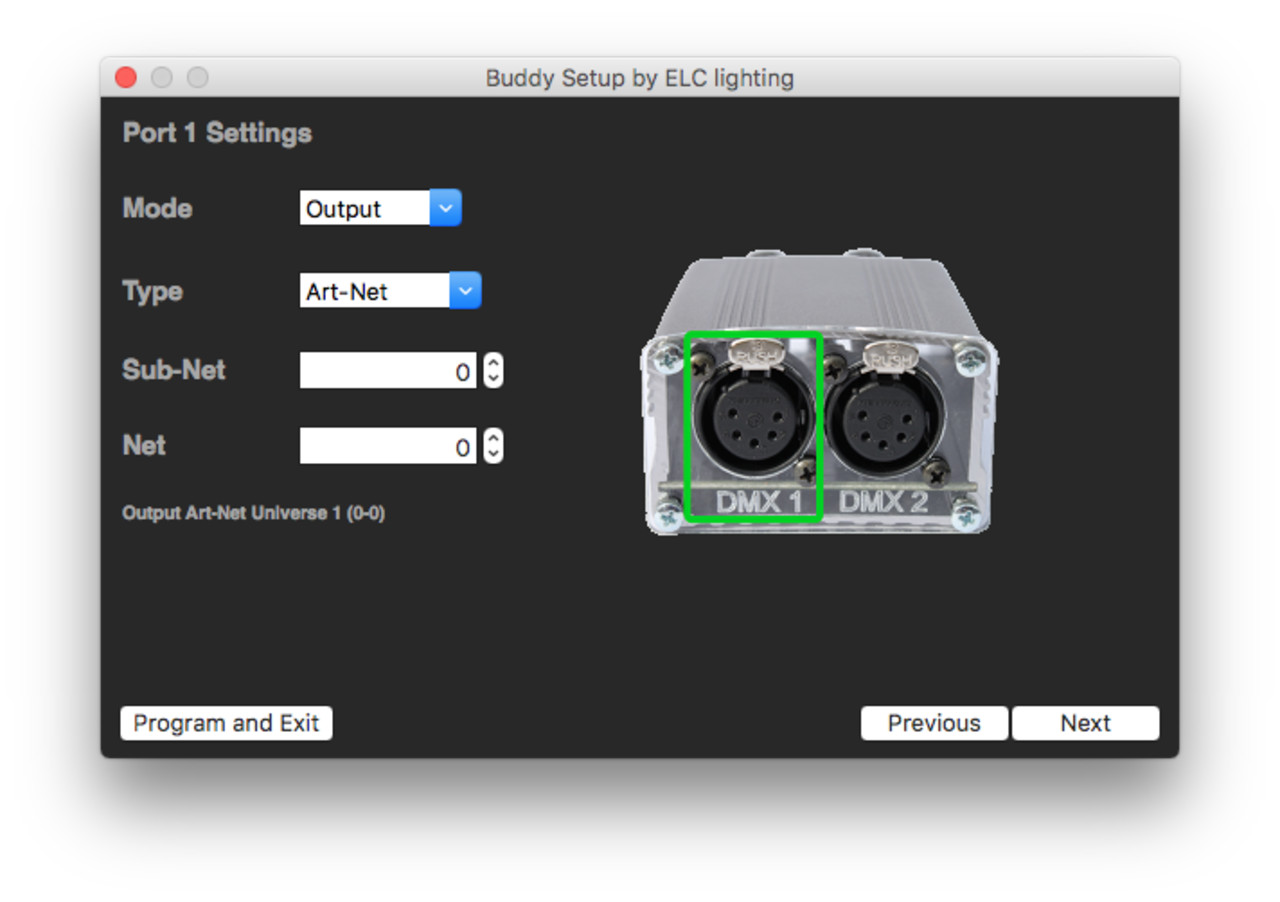
Buddy Setup can be used to program your Buddy via the USB cable in an easy way. There are no drivers needed.

AC612 Editor

AC612 Editor

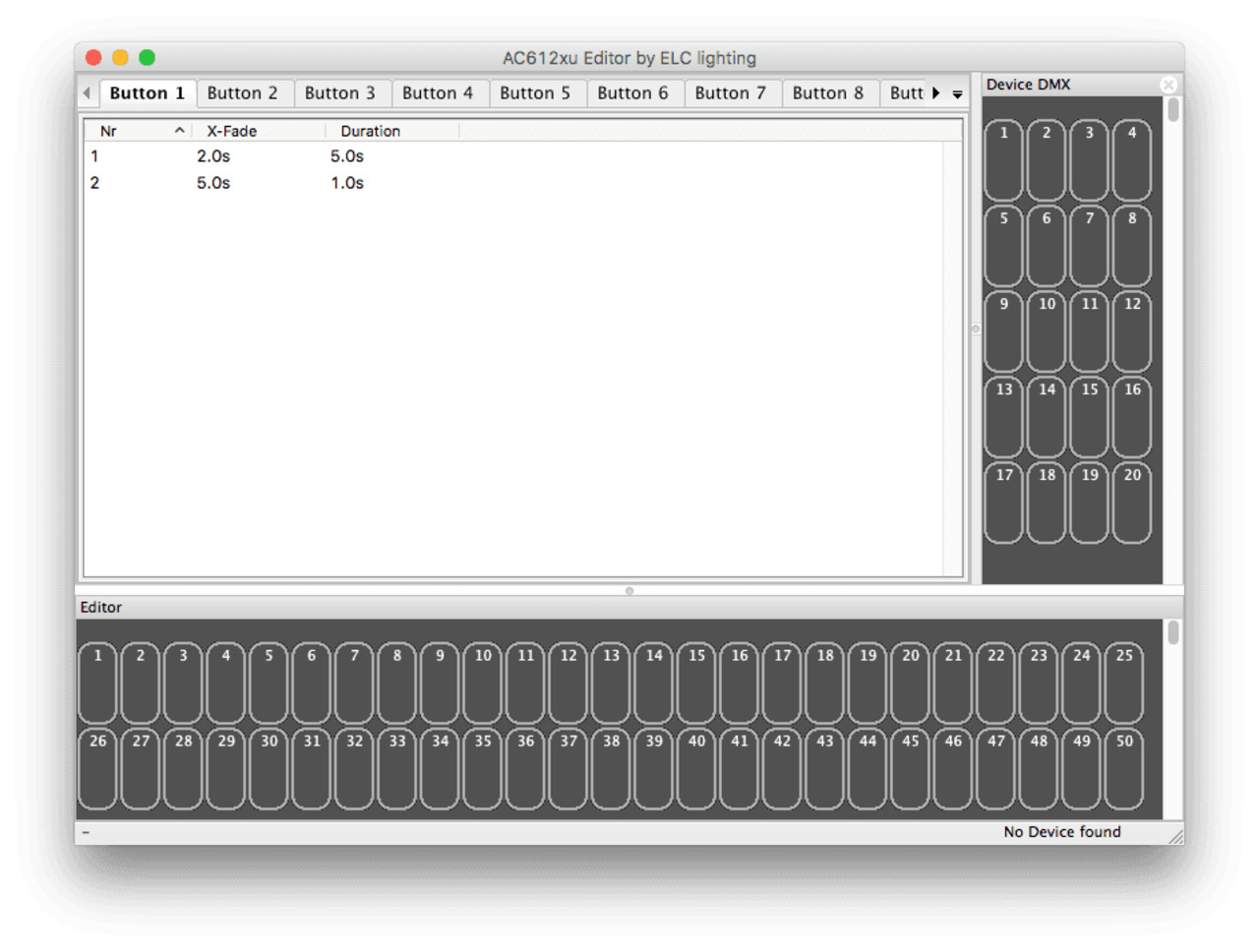
With the AC612 Editor, you can easily program the complete AC612 range, including the SideKICK Too. Assign a scene or cue list to every button and set custom crossfade and duration times for precise, repeatable playback.

Showstore Trigger Editor

Showstore Trigger Editor

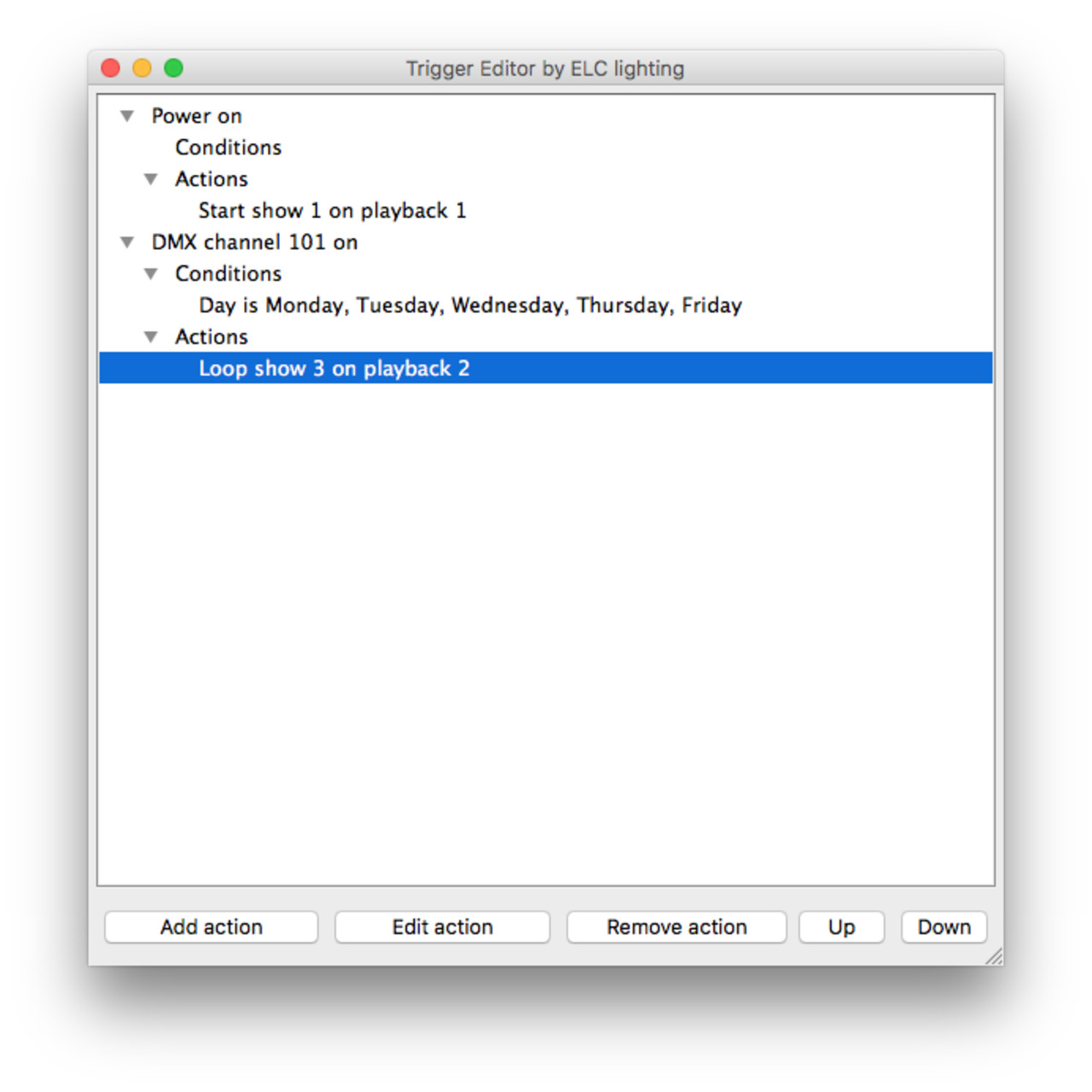
Trigger Editor provides a nice user interface for programming triggers in a Showstore XLAN.

Showstore Editor

Showstore Editor

With Showstore Editor you are able to make the perfect loop files. Put the markers at the right positions to make the show loop seamless from the end to the start again.

USB Update

USB Update

USB Update can be used to update the firmware of all ELC lighting devices which have a USB port. Please refer to the device’s manual to set the device in BOOT mode for updating.

SideKICK Interface

The SideKICK Interface software converts the SideKICK Too (or AC612XU) into a DMX to Art-Net converter.

All DMX generated by the device (playback) and the DMX input are converted to Art-Net and sent to the IP address with the universe number as selected.

Built by technicians. Available near you.

Find a dealer in your region or reach out to us.